Police Driver
- WASD / Arrow Keys – Drive and steer
- Left Mouse – Enter / Eit vehicles, sirens, and police gear












Police Drive puts you behind the wheel of a high-speed urban police chase action simulator. Patrol a fully rendered 3D city, respond to dangerous situations, chase fleeing suspects, and complete tactical operations while weaving through busy streets. With police cars, motorbikes, and upgradeable equipment, every mission demands a different approach.
Gameplay Overview: Patrol, Chase, and Arrest
Your main objective is to complete police missions as quickly and safely as possible. Navigate city blocks, follow guiding arrows, intercept criminal targets, and manage traffic during intense pursuits.
Diverse Mission Types
- Criminal Pursuits & Interceptions: Chase fleeing suspects and criminal convoys through traffic, using sharp turns and fast reactions to close the distance.
- Hostage Rescues & Emergency Calls: Race across the city toward marked locations, following navigation indicators while avoiding delays and obstacles.
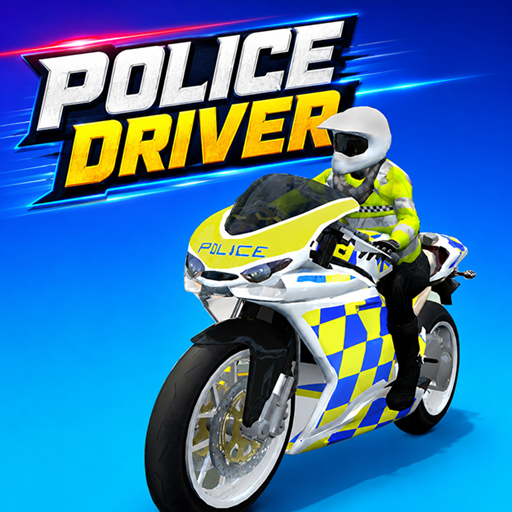
Driving & Action Controls
- WASD / Arrow Keys: Accelerate, brake, and steer
- Left Mouse Click: Enter or exit vehicles, toggle sirens, and activate tactical police equipment
Dual-Vehicle Selection & Handling Styles
Police Drive offers a unique dual-vehicle mechanic that allows you to adapt your strategy to specific mission demands
- Police Cars: Heavier builds equipped with superior armor and ramming power, making them perfect for highway pursuits and stopping heavy criminal convoys.
- Police Motorbikes: Highly agile, fast-accelerating rides suited for squeezing through tight alleyways and weaving past traffic gridlocks.
Garage Upgrades & Progression System
Successful missions reward you with EXP and in-game money. Spend your earnings in the garage to improve your police fleet with faster vehicles, stronger armor, enhanced sirens, and upgraded interceptors. Better equipment becomes especially useful as criminal missions become more demanding.